
Favorite iOS Camera Apps for Low Light
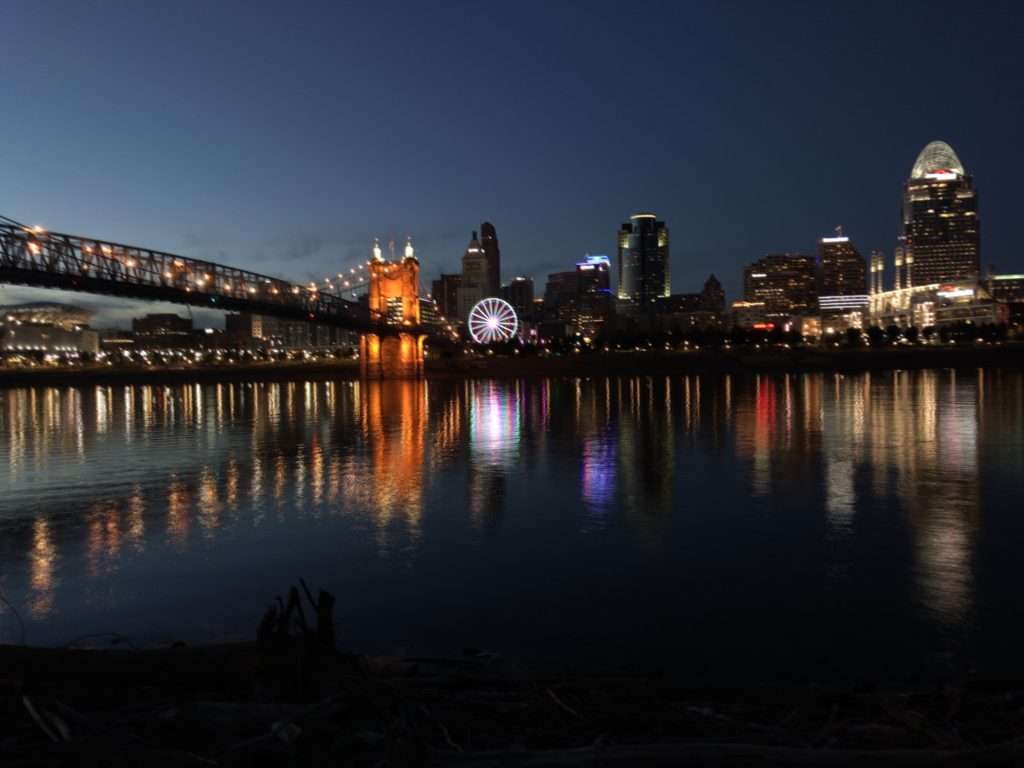
Learn how to capture and edit your photos from Blink Cincinnati
How to get great photos at Blink Cincinnati with your Phone
- Turn off the flash!
- Touch the screen on closest thing YOU want in focus.
- Press and hold if your phone keeps refocusing on nearby people. Sets AF/AE Lock with yellow box
- Drag down anywhere on the screen to darken exposure. Or up to brighten.
- Keep in mind if highlights are too bright there’s usually no getting them back. It’s ok for shadows to be dark – they can usually be rescued.
- HDR! High dynamic range – blends light & dark images together behind the scenes. Not great for moving so DONT use HDR on the parade or you’ll get lots of ghosting (from shots at slightly different times).
- Learn more in my workshops or 1-1 lessons. Bring your photos to our 2 week mobile editing workshop! We promise to amaze you!
- Stay tuned to this page – I’ll update with more photos and tips as the weekend progresses – so check back here and follow me at @hartongdigital on Instagram. Message me with questions!
- See my favorite editing apps below – 2 are available for any device!
New Phone Photo Workshop
Oct 21, 7-9pm. Learn how to capture amazing photos with your mobile device. From travel & scenery to macro to portraits – learn easy pro tricks for jaw-dropping photos! $30 Register
Edit your photos from Blink Cincinnati from any camera on your phone! Photo Editing on Mobile Workshop: 10/28 & 11/4, 7-9pm. $60. Register
Favorite iPhone Apps for Capturing Low Light & Long Shutter Speeds
 PRO HDR X
Manual options for dragging 3 boxes to capture HDR (High Dynamic Range). Takes 3 separate images and blends together, stopping to allow you to edit before saving.
- Adjust Light/Dark
- Adjust HDR amount
- Exposure
- Contrast
- Adjust Color
- Saturation
- Blue/Yellow
- Green/Red
- Set fast 1 second self-timer to help eliminate camera shake – settings (3 lines bottom right)
- Gear bottom left – Choose between modes for motion blur, low light, light trails
- Grid to help keep lines straight
- Settings – Volume shutter for increased steadiness
- Settings – Workflow – autosave & clear to keep shooting
- Auto exposure, Auto focus locks
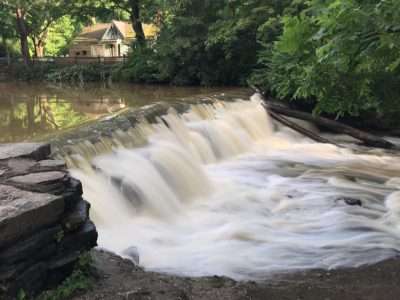
- Check out this photo from Buckeye Falls at Sharon Woods

Afterlight
Noise reduction
Low light capture
Start on the left with the focus point.
the aperture icon is actually Shutter Speed
ISO – aka film speed
White Balance
Lightroom Mobile
Choose Automatic, Pro, or HDR
HDR captures 3 images to blend exposures
You can set a 2 second self timer
Adjust exposure with exposure compensation
Adjust white balance
Switch cameras
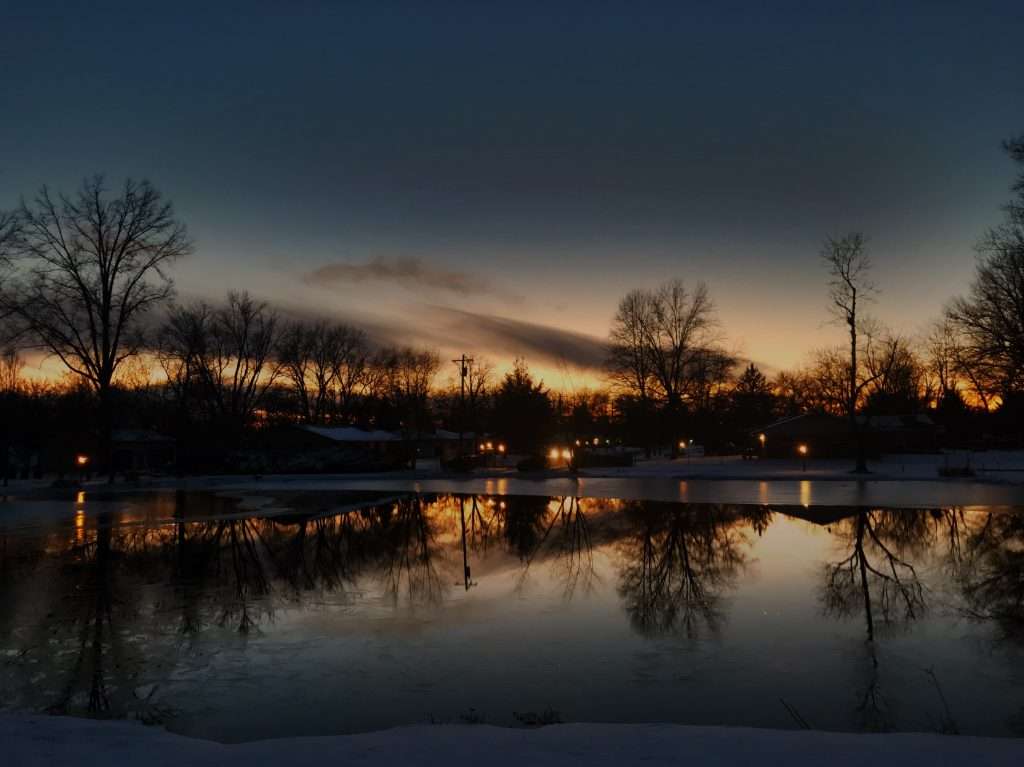
Editing Low Light Photos After Capturing
You’ll be amazed what you can do with your photos from Blink Cincinnati on your phone!
Snapseed & More- join me for in-depth editing 2 nights workshop Oct 28 & Nov 4, 2019, 7-9pm Register here. $60 includes detailed handouts. Snapseed is universal so you can use it on any mobile phone! Bring your Blink Cincinnati photos and create gorgeous prints for your wall! ALL DEVICES not just iOS
Lightroom Mobile – in -depth editing perfect for photographers with an Adobe photo plan to edit on the go. ALL DEVICES not just iOS
Built In with iOS13
New! noise reduction. Don’t overdo it – it can make your image loose edge sharpness -which is why Lightroom Mobile sings if you’re an Adobe Photo Plan subscriber.
Many of the sliders were buried in previous versions – now they’re out in full view, with a few new features!
Check out my 80 page Book on iPhone Photography in Apple’s Book Store
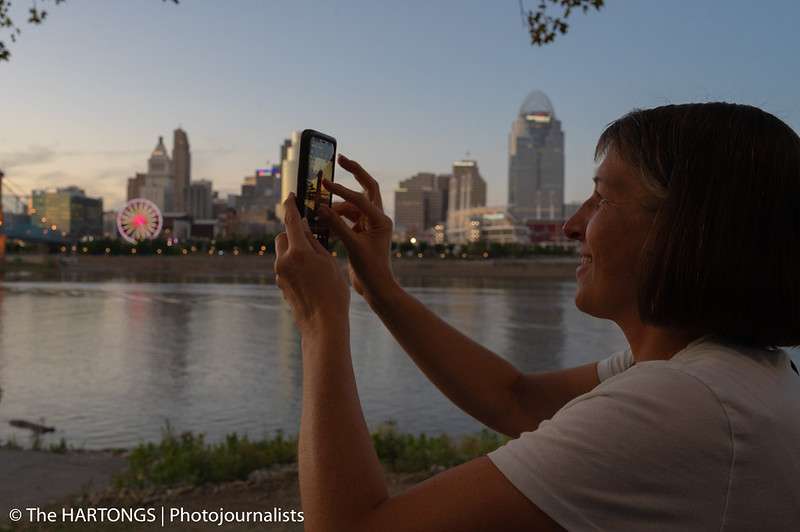
Capture gorgeous colorful sunsets that will knock your socks off. Learn the hidden tricks!
Bonus! Getting great shots with your SLR
- set camera to Shutter Priority – S or TV. The flash will NOT automatically fire in this mode.
- set ISO to AUTO. on Canon or Sony just hold ISO button and set to AUTO. On Nikon you may need to do so in camera MENU – ISO settings – AUTO ON. Or with D500, D7000 or Z series, hold ISO button and set to AUTO with FRONT command dial (back sets specific ISO – front turns AUTO on/off).
- Set shutter speed for action/light trails… If you don’t have a tripod, minimum shutter speed 60, or 1/60 second. Most of today’s cameras will let you get away with that.
- Check HIGHLIGHTS! You’ll probably need to use +/- button to dial down the exposure! Start at -1 and see if it’s dark enough to not blow out highlights. Might need to go as low as -2 or even -3 depending on scene.
- I get around tripods by using continuous drive and shooting a burst – usually the center images are sharpest. Just throw out the 1st and last photos.